5th Semester: The Year Where Your Career Takes Shape
By the 5th semester you are more than halfway through your diploma. Now subjects become less about "studying" and more about "building". With Java you will build real applications, with IoT you will connect hardware to code, and with electives you will decide which direction to go — mobile apps, security, or networks.

This is also the updated NEP-2020 curriculum for 2026-27. The total is 550 marks — but note that the 100 marks of qualifying subjects are not included in this. Total 20 credits, L12 P16.
5th Semester At A Glance
| Code | Subject | Type | Credits | Marks |
|---|---|---|---|---|
| 5.1 | Object Oriented Programming Using Java | Practicum | 3 | 100 |
| 5.2 | Fundamentals of Internet of Things | Practicum | 3 | 100 |
| 5.3 | Program Elective-2 (Mobile App Development / Multimedia Technologies) | Practicum | 5 | 100 |
| 5.4 | Program Elective-3 (Information Security / Advance Computer Networks) | Practicum | 5 | 100 |
| 5.5 (Q) | Open Elective-2 or Advance Skill Development | Theory | 2 | 50* |
| 5.6 | Summer Internship-II (6 weeks, after 4th sem) | Internship | 2 | 100 |
| 5.7 (Q) | Indian Constitution (Audit) | Theory | — | 50* |
| — | Student Centred Activities (SCA) | Activity | — | 50 |
* (Q) means qualifying — passing is compulsory, but these marks are not added to your percentage or division.
What Is In Each Subject
1. Java — Object Oriented Programming
The biggest subject of the semester — the Classes and Objects unit alone is worth 30%. Classes, constructors, inheritance, packages, abstract classes, interfaces, polymorphism, exception handling and multithreading — everything. There are 12 practical programs: a bank Account class, an Employee hierarchy, a Shape hierarchy and a thread program. A student who gets comfortable with Java finds placement coding rounds much easier.

2. Internet of Things (IoT)
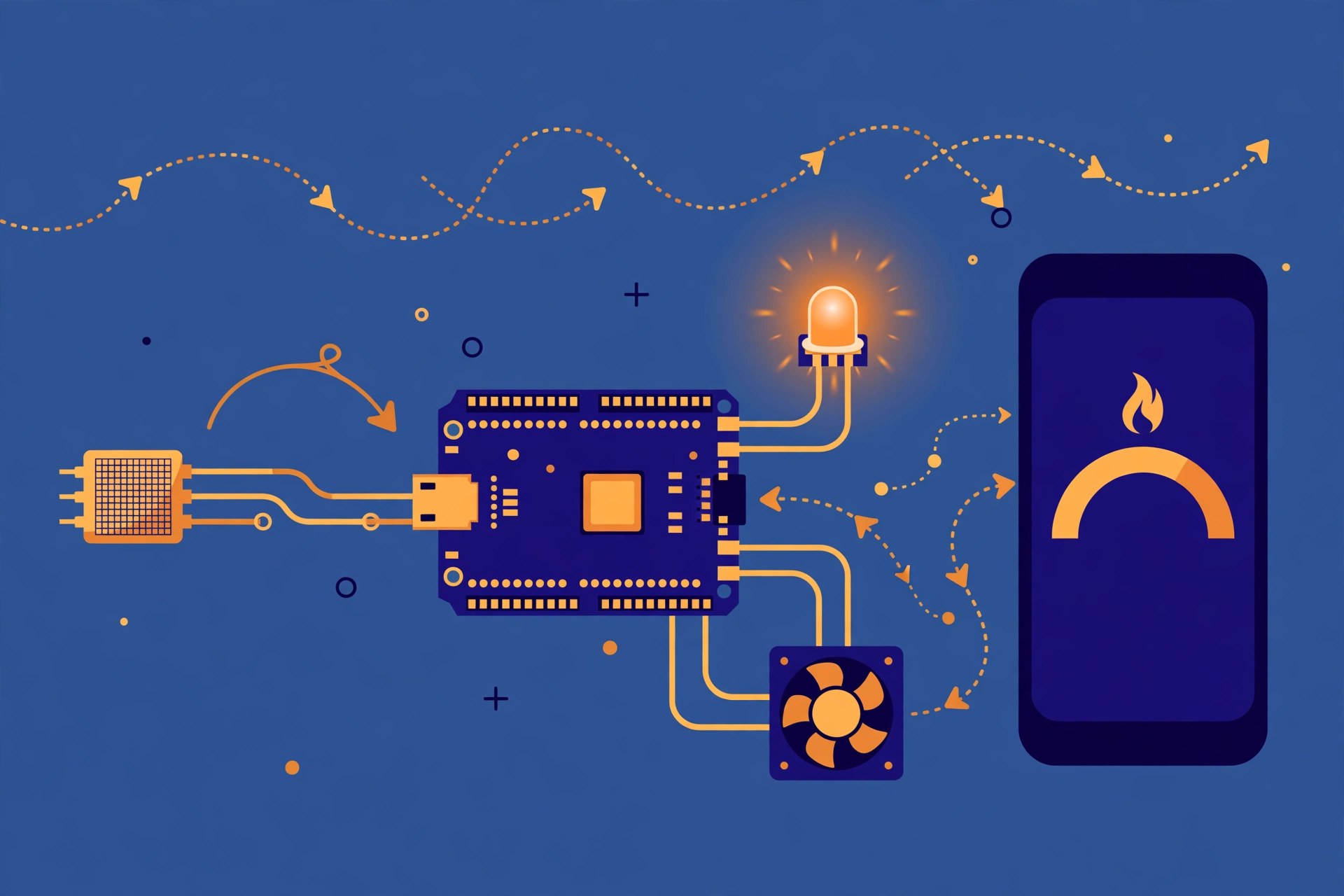
IoT means connecting everyday things to the internet — smart homes, health monitoring, agriculture. Units: Introduction to IoT, IoT Devices (sensors, actuators), IoT Networks, Arduino, and IoT vs M2M. The practicals are entirely on Arduino: LED blink, LDR night lamp, temperature sensor (LM35/DHT11), LCD display, air quality sensor (MQ135), Bluetooth (HC-05) and relay-based home automation. These practicals give you an understanding of hardware that theory alone never can.
3. Program Elective-2 — Your Choice
Two options: Mobile App Development (Android, Android Studio, activities, intents, SQLite, publishing on the Play Store) or Multimedia Technologies (compression — JPEG, MPEG, MP3, MP4 — Photoshop/GIMP, Blender, animation). Both are worth 5 credits. Find out in advance which option your college offers — not every polytechnic offers both.
4. Program Elective-3 — Your Choice
Two options: Information Security (cryptography, PKI, network security, digital signatures) or Advance Computer Networks (telecom networks, QoS, network simulation, router configuration). For students heading into security, Information Security is the direct route.
5. Open Elective-2 And Indian Constitution — Qualifying, But Do Not Ignore Them
For Open Elective-2 you choose one of Product Design, Engineering Economics & Accountancy, or AI and Machine Learning (TATA) — or an Advance Skill Development certification of at least 20 hours. Indian Constitution is an audit subject. The marks do not count towards your percentage, but passing is compulsory — so treating them as "small subjects" and skipping them can cost you dearly.
Internship-II — 6 Weeks, 100 Marks
The 6-week internship after the 4th semester is evaluated in the 5th semester. Report, presentation and viva — this is the experience you will talk about in placement interviews. Choose an internship connected to your elective: an app company if you are learning Android, a network/security place if you chose security.
Practical Advice For The 5th Semester
Write Java code every day — OOP is never understood by reading alone. Build one small IoT project yourself, like a temperature display or switching a light on/off over Bluetooth — that project goes on your resume. Before choosing an elective, ask your seniors which subject has the better lab and faculty in your college. And start writing your internship diary from day one.
Complete Syllabus
The full examination scheme for the 5th semester, with lecture and practical hours and internal and external marks, followed by the unit-wise topics and the complete practicals list of every subject.
Examination Scheme — Full Detail
| Code | Paper | Type | L – P | Credits | Internal | External | Total |
|---|---|---|---|---|---|---|---|
| 5.1 | Object Oriented Programming Using Java | Practicum | 1 – 4 | 3 | 60 | Practical 40 (3 hrs) | 100 |
| 5.2 | Fundamentals of Internet of Things | Practicum | 1 – 4 | 3 | 60 | Practical 40 (3 hrs) | 100 |
| 5.3 | Program Elective-2: Mobile App Development / Multimedia Technologies | Practicum | 3 – 4 | 5 | 40 | Theory 60 (3 hrs) | 100 |
| 5.4 | Program Elective-3: Information Security / Advance Computer Networks | Practicum | 3 – 4 | 5 | 40 | Theory 60 (3 hrs) | 100 |
| 5.5 | (Q) Open Elective-2 OR Advance Skill Development | Theory | 2 – 0 | 2 | 50* | — | 50* |
| 5.6 | Summer Internship-II (6 Weeks) | Internship | — | 2 | 60 | 40 (3 hrs) | 100 |
| 5.7 | (Q) Indian Constitution | Audit | 2 – 0 | — | 50* | — | 50* |
| — | Student Centred Activities (SCA) | Activity | — | — | 50 | — | 50 |
| Total (5th Semester, excluding qualifying) | 20 | L12 P16 | 550 marks | ||||
Object Oriented Programming Using Java
Units at a Glance
| Unit | Topic | Periods | Marks Share |
|---|---|---|---|
| 1 | Introduction and Features | 2 | 15% |
| 2 | Language Constructs | 3 | 15% |
| 3 | Classes and Objects | 3 | 30% |
| 4 | Abstract Class, Interface and Polymorphism | 3 | 20% |
| 5 | Exception Handling and Multithreading | 3 | 20% |
Complete Practicals List
This is the complete list of practicals from the official syllabus.
- WAP to create a simple class to find out the area and perimeter of a rectangle and a box, using super and this keywords.
- WAP to design a class Account using inheritance and static members, showing all functions of a bank (withdrawal, deposit).
- WAP to design a class using abstract methods and classes.
- WAP to design a String class that performs string methods (equal, reverse the string, change case).
- Consider a class of Cars under which Santro Xing, Alto and Wagon R are individual objects, each with model, year of manufacture, colour, top speed, etc. as properties and Create(), Sold() and display() as methods of the Car class.
- In a software company, Software Engineers, Sr. Software Engineers, Module Leads, Technical Leads, Project Leads, Project Managers, Program Managers and Directors are all employees but differ in work, perks, roles and responsibilities. Create an Employee base class providing common behaviours/properties that all employees must have.
- Using multiple inheritance, create classes: Shape, Circle, Square, Cube, Sphere and Cylinder, with specified class variables, constructors and base classes, with Area and/or Volume methods.
- WAP to handle exceptions using try and multiple catch blocks.
- WAP that implements nested try statements.
- WAP to create a package that accesses members of an external class as well as of the same package.
- WAP that shows the partial implementation of an interface.
- WAP to create a thread that implements the Runnable interface.
Fundamentals of Internet of Things
- Unit 1 — Introduction to Internet of Things (10 Periods) — Introduction to IoT; defining IoT; things in IoT; characteristics of IoT; physical design of IoT; logical design of IoT; functional blocks of IoT; IoT protocols; IoT communication models; IoT communication APIs; IoT enabling technologies.
- Unit 2 — IoT Devices (12 Periods) — How electronic devices fit with the Internet of Things and why they are important: breadboard and its internal connections; LED and its connections; tri-colour LED; resistor; introduction to end devices, sensors and actuators; differentiating between different sensor types.
- Unit 3 — IoT Networks (12 Periods) — Introduction to the components of basic IoT networks; types of network connections and how data travels through them; the role of internet protocols; understanding of microcontrollers/Arduino and communication protocols.
- Unit 4 — Arduino (12 Periods) — Features of Arduino device; Arduino device introduction; components of Arduino board; C Arduino programming language; understanding basics of Arduino IDE; functions; control statements; loops; data types; variables.
- Unit 5 — IoT and M2M (10 Periods) — Introduction; M2M; difference between IoT and M2M; SDN and NFV for IoT — software defined networking, network function virtualisation; IoT and WoT (Web of Things).
Complete Practicals List
This is the complete list of practicals from the official syllabus.
- Installation of Arduino IDE.
- Interfacing Light Emitting Diode (LED) — blinking LED.
- Interfacing button and LED — LED blinking when the button is pressed.
- Interfacing Light Dependent Resistor (LDR) and LED — displaying an automatic night lamp.
- Interfacing temperature sensor (LM35) and/or humidity sensor (e.g. DHT11).
- Interfacing Liquid Crystal Display (LCD) — display data generated by a sensor on the LCD.
- Interfacing Air Quality Sensor — pollution (e.g. MQ135) — display data on LCD, switch on LED when the sensed data is higher than a specified value.
- Interfacing Bluetooth module (e.g. HC05) — receiving data from a mobile phone on Arduino and displaying it on the LCD.
- Interfacing Relay module to demonstrate a Bluetooth-based home automation application (using Bluetooth and relay).
Mobile App Development
- Unit I — Introduction to Android — The Android platform; Android SDK; Eclipse installation; Android installation; building your first Android application; understanding the anatomy of an Android application; Android manifest file.
- Unit II — Android Application Design Essentials — Anatomy of an Android application; Android terminologies; application context; activities; services; intents; receiving and broadcasting intents; Android manifest file and its common settings; using intent filters; permissions.
- Unit III — Android User Interface Design Essentials — User interface screen elements; designing user interfaces with layouts; drawing and working with animation.
- Unit IV — Testing and Publishing — Testing Android applications; publishing Android applications; using Android preferences; managing application resources in a hierarchy; working with different types of resources.
- Unit V — Using Common Android APIs — Using Android data and storage APIs; managing data using SQLite; sharing data between applications with content providers; using Android networking APIs; using Android web APIs; using Android telephony APIs; deploying an Android application to the world.
Multimedia Technologies
Units at a Glance
| Unit | Topic | Periods | Marks Share |
|---|---|---|---|
| 1 | Introduction to Multimedia | 10 | 25% |
| 2 | Basic Compression Techniques | 12 | 25% |
| 3 | Content Development and Distribution | 10 | 25% |
| 4 | Introduction to Digital Imaging | 10 | 25% |
Complete Practicals List
This is the complete list of practicals from the official syllabus.
- Installation of various multimedia software like Photoshop/GIMP, Blender, Flash, Director or any open-source software.
- Installing and using various multimedia devices: scanner, digital camera, web camera, microphone and speakers, touch screen, plotter and printers, DVD, audio CD and video CD.
- Reading and writing different formats on CD/DVD.
- Transporting audio and video files.
- Using various features of Flash.
- Using various features of Photoshop/GIMP.
- Using various features of Blender.
- Making multimedia presentations combining Flash and Photoshop/GIMP, such as a department profile, lesson presentation, games and project presentations.
Information Security
Units at a Glance
| Unit | Topic | Periods | Marks Share |
|---|---|---|---|
| 1 | Introduction to Information Security | 8 | 20% |
| 2 | Security Weaknesses in Networks | 10 | 22% |
| 3 | Cryptography and Secure Development | 8 | 20% |
| 4 | Network Security Products | 8 | 20% |
| 5 | Security Standards, Audit and Policy | 8 | 18% |
Complete Practicals List
This is the complete list of practicals from the official syllabus.
- Study the security provided within the Windows operating system.
- Recover the password of Windows machines using a password recovery utility (John the Ripper) or any other utility.
- Trace the origin of an email using an email trace tool.
- Use of keylogger and anti-keylogger to secure your system.
- Encrypt and decrypt a message using simple transposition — permutation (CrypTool).
- Encrypt and decrypt a message using Caesar Cipher with variable key (CrypTool); encrypt and decrypt a message using a 3×3 Hill Cipher (CrypTool).
- Create a digital signature document using CrypTool.
- Send and receive a secret message using steganography techniques using Steghide.
Advance Computer Networks
- Unit 1 — Review of Networking Basics (10 Periods) — Advanced topics in IPv4 — subnetting, multicasting, multicast routing protocols (IGMP, PIM, DVMRP); advanced topics in TCP — flow management, congestion avoidance, protocol spoofing; IPv6.
- Unit 2 — Telecom Networks, Switching Techniques (10 Periods) — Introduction to Frame Relay, ATM, MPLS; VSAT communication — star and mesh architectures, bandwidth reservation; wireless networks — WiFi, WiMax; cellular phone technologies — GSM, CDMA, 3G, 4G.
- Unit 3 — QoS (6 Periods) — Network redundancy; load balancers; caching; storage networks; QoS; network monitoring — SNMP, RMON.
- Unit 4 — Introduction to Network Security (8 Periods) — VLAN, VPN, firewall, IPS, proxy servers.
- Unit 5 — Network Simulation (8 Periods) — Network simulation; network design case studies and exercises; IP addressing schema; protocol analysers (Wireshark, etc.).
Complete Practicals List
This is the complete list of practicals from the official syllabus.
- Study different types of network cables and implement cross-wired and straight-through cables using clamping tools.
- From given data, find subnet, broadcast, range and subnet bits.
- Study various basic network commands and network configuration commands.
- Perform an initial router configuration.
- Interpret ping and trace-route output.
- Connect the computers in a Local Area Network.
- Perform logical troubleshooting.
- Observe static and dynamic routing.
- Configure the router as a DHCP server.
- Perform various networking operations using Packet Tracer.
Frequently Asked Questions
How many total marks are there in the 5th semester?
550 marks (the 100 marks of qualifying subjects are separate and do not count towards percentage), 20 credits.
How should I choose my elective?
Consider your interest, but also check which option your polytechnic offers and which one has the better lab and faculty.
What if I fail a qualifying subject?
Passing a qualifying subject is compulsory, even though its marks do not count towards your percentage. So do not ignore it completely.
How many marks are the qualifying subjects in the 5th semester?
Open Elective-2 is 50 marks and Indian Constitution is 50 marks. Both must be passed, but neither counts towards your percentage or division.
How is Summer Internship-II marked?
100 marks: internal 60 and external 40, evaluated through the certificate, a seminar/viva, the project and the report.
How can I download the subject-wise syllabus PDFs?
Use the download link in the Download section below, or open any subject post from the Related Syllabus Posts list — each subject post has its own PDF download.
Related Syllabus Posts
- BTEUP CSE Complete Syllabus 2026-27 — 1st, 3rd & 5th Semester (All Subjects)
- Object Oriented Programming Using Java — BTEUP CSE 5th Semester Syllabus 2026-27
- Fundamentals of Internet of Things — BTEUP CSE 5th Semester Syllabus 2026-27
- Mobile App Development — BTEUP CSE 5th Semester Syllabus 2026-27
- Information Security — BTEUP CSE 5th Semester Syllabus 2026-27
- Summer Internship-II, Indian Constitution & SCA — BTEUP CSE 5th Semester Syllabus 2026-27
Download The 5th Semester Syllabus PDF
Download the complete subject-wise syllabus PDFs below.
Download The 5th Semester Syllabus PDF
Source: BTEUP 3rd Year Computer Science & Engineering curriculum (folder2627), NEP-2020 aligned. Please confirm with your own polytechnic as well.