
How To Check Your BTEUP Result — The Full Process, Without Any Confusion
When result day arrives, every polytechnic student has the same question — where do I check my result, and what will I need? This blog explains the official, correct way to check your BTEUP result, step by step. Read this before entering your enrollment number on any third-party website.
Keep This Ready Before You Check Your Result
You need just one thing — your enrollment number. For revaluation or rechecking results, your date of birth may also be asked. You will find your enrollment number on your admit card or your previous marksheet. Note it down somewhere — the site gets heavy traffic on result day and typing it again and again becomes difficult.
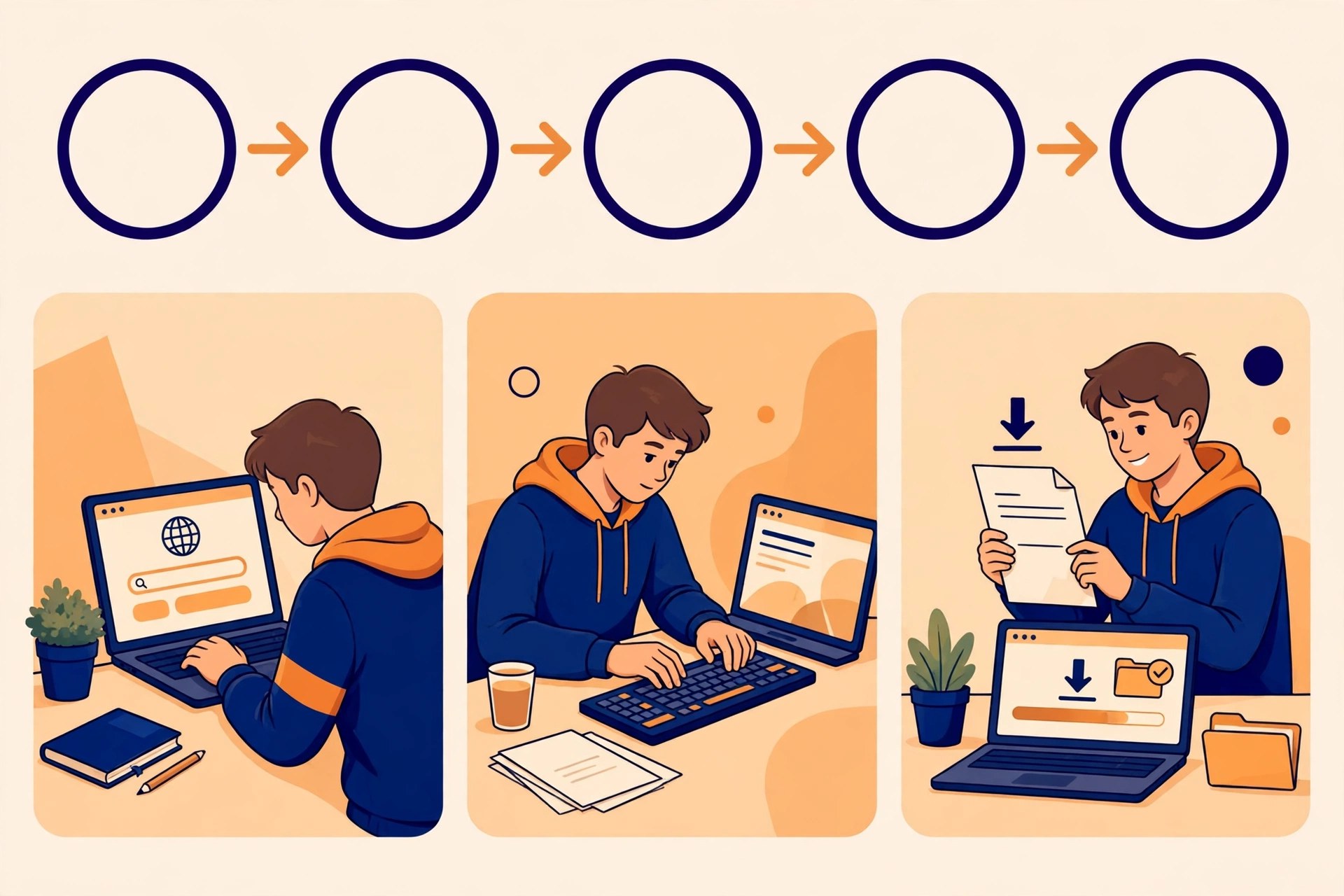
Step By Step: How To Check Your BTEUP Result
Step 1: Go to the official website bteup.ac.in. Always use the official site.
Step 2: Find the Result option on the homepage and click it.
Step 3: Choose the result link for your exam — for example "Even Semester Result" or "View Result of re-evaluation".
Step 4: Enter your enrollment number (and date of birth for revaluation) and click Search/Submit.
Step 5: Your result will appear on the screen — subject-wise marks, total marks and pass/fail status. Download the PDF and save it.
The even semester result can also be checked on the result.bteexam.com portal, where again only your enrollment number is needed.
Latest Update: Even Semester And Revaluation Result 2026
The results of the even semester (2nd, 4th and 6th semester) and special back paper exams held in May-June 2026 were declared in July 2026. After that, the revaluation result for students who had applied for rechecking/revaluation was released on 12 October 2026. If you had applied for revaluation, do compare your revised marks with your original scorecard.
Online Result vs Original Marksheet — The Difference
The result shown on the website is a provisional scorecard — the online marksheet. You get the original marksheet from your institute. The printout of the online marksheet is useful for admission and document verification, so keep it safe. If you spot any mistake in your name, enrollment number or marks, contact your institute immediately.

What If You Are Not Happy With Your Marks?
After the result, BTEUP issues a notification for scrutiny (rechecking) and revaluation. You must apply before the last date given in it. Students with back papers should also watch the official website for back paper/scrutiny notifications and deadlines — once the date passes, you cannot apply.
Frequently Asked Questions
What do I need to check my result?
Only your enrollment number. For the revaluation result, your date of birth may also be asked along with the enrollment number.
Is the online result the final marksheet?
No, it is a provisional scorecard. The original marksheet is issued by your institute.
What should I do if there is a mistake in my result?
Contact your polytechnic/institute and apply for scrutiny/revaluation as per BTEUP's official notification.
This information is based on official updates up to October 2026. Always check bteup.ac.in for the latest result dates.