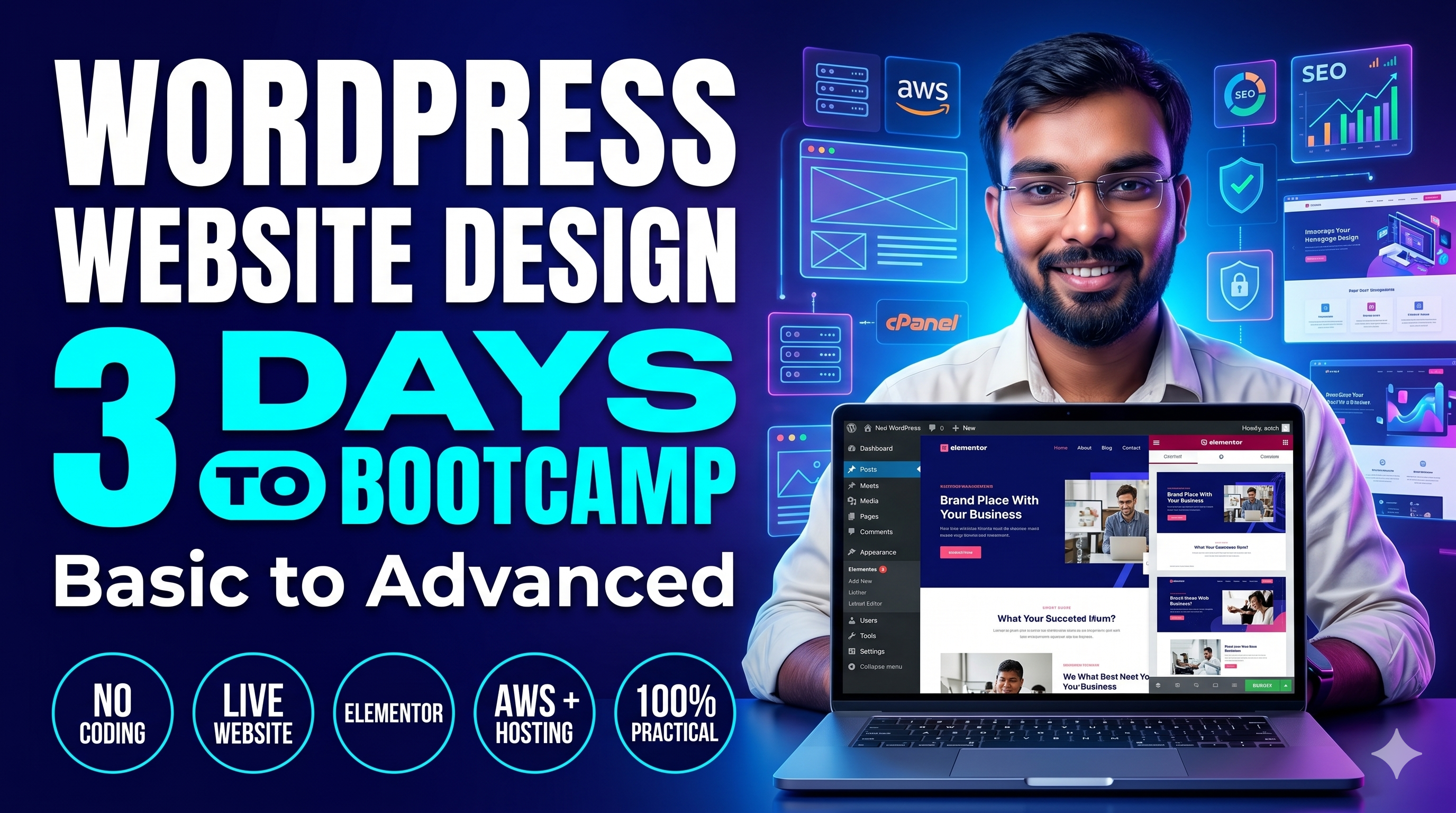
This 3-Day Short Bootcamp is perfect for beginners who want to learn WordPress Website Development step by step in just 9 hours. You will learn everything from WordPress installation, themes, plugins, customization, hosting (free & paid), and launching a live website. By the end of this course, you will be able to build and launch your own professional website without coding. ? Duration: 3 Days (3 hours/day = 9 hours total) ? Level: Beginner to Advanced ?? Tools Covered: WordPress, Localhost (XAMPP/LocalWP), Free Hosting, AWS, cPanel Hosting, Elementor, SEO, Security Tools
Course Curriculum
Study Pace Calculator
Adjust study time to see completion estimate.
2 Days
Introduction to WordPress (CMS & its uses)
WordPress.com vs WordPress.org
Localhost Installation (XAMPP / LocalWP)
Installing WordPress on Localhost
Dashboard Overview: Posts, Pages, Media, Settings
Installing & Customizing Themes
Using Page Builders (Elementor Basics)
Creating Pages: Home, About, Services, Contact
Adding Menus, Widgets & Plugins (SEO, Security, Forms)
Mini Project: Build a Simple Business Website
Domain Buying (GoDaddy, Namecheap)
Free Hosting Setup (InfinityFree, 000webhost)
Paid Hosting Setup (AWS / cPanel Hosting)
Migrating Website from Localhost to Live Server
Adding SSL, Google Analytics & Final Q&A
Your Instructor
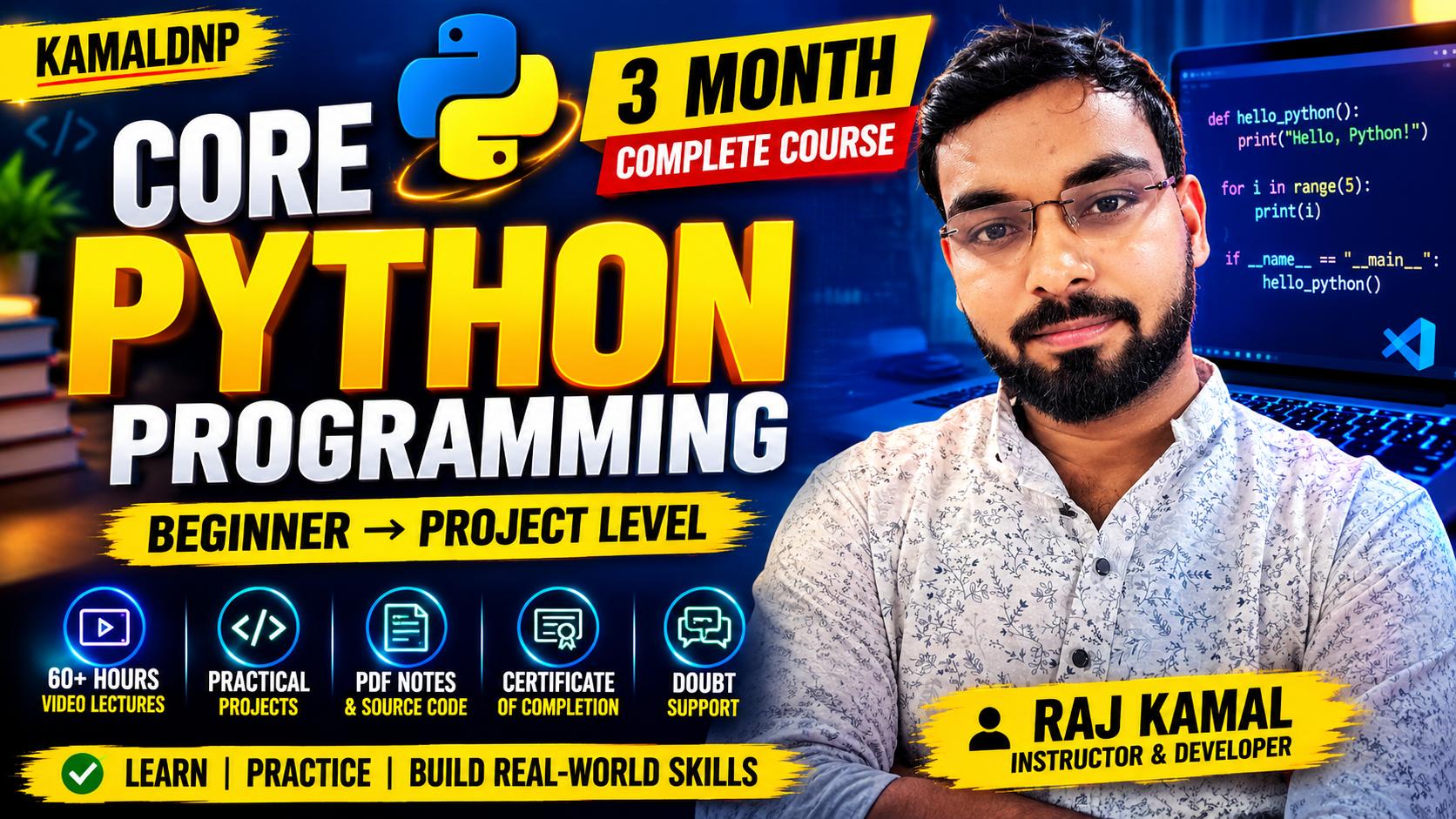
Raj Kamal
Lead Software Architect & Educator
4.9 Rating Expert Level 10k+ Students
With extensive real-world industry experience, Raj Kamal is dedicated to breaking down complex engineering and coding concepts into simple, practical, and highly digestible lessons. Learn the exact skills that top tech companies demand today.
Student Feedback
4.9 (Course Rating)
Amit Kumar
1 week ago
Excellent course! The concepts were explained in a very practical and simple way. I built 3 real-world projects by the end of it and cracked my interview.
Priya Singh
3 weeks ago
Highly recommended for beginners and intermediate learners. The syllabus is perfectly structured, and the doubt support is very fast.
CapCut Mobile Video Editing Course Beginner to Advance
This course is specially designed for students, content creators, YouTubers, reels makers and business owners who want to learn professional video editing using only a mobile phone.
In this course, you will learn how to edit high-quality videos using the CapCut mobile app, from basic editing to advanced effects and cinematic videos.
You will learn:? Video cutting, trimming and merging? Transitions, filters and effects? Text animation and captions? Instagram Reels and YouTube Shorts editing? Slow motion, overlays and keyframes? Audio editing and voice sync? Exporting videos in high qualityMinimum Mobile Requirements Android 8.0 or above OR iPhone iOS 13 or above Minimum 4GB RAM (6GB+ recommended for smooth editing) At least 3GB free storage space Good internet connection Latest version of CapCut App installed Basic smartphone knowledge
AI Power Skills in 2 Days | Learn AI Text, Image, Video and Voice Tools
AI Power Skills Fast Track 2 Days Workshop is a high-impact practical training program designed for students, freelancers, entrepreneurs and working professionals who want to quickly master modern AI tools.
In just 2 intensive days, participants will learn how to:? Use ChatGPT & Gemini for content creation and automation? Generate high-quality AI images and videos? Create realistic AI voice and audio? Write powerful prompts for best results? Automate daily tasks and improve productivity? Apply AI for business, marketing and freelancing
This workshop focuses on live demonstrations, hands-on practice and real-world projects so learners gain practical confidence quickly.No prior technical knowledge is required.
Do you want to learn programming but dont have any coding background? Then this course is designed just for you. In the 30 Days Python Challenge, you will learn Python step by step from Basic to Advanced. Within the first 21 days, you will build a strong Python foundation, and in the last 9 days, you will work on 5 Real Projects.