
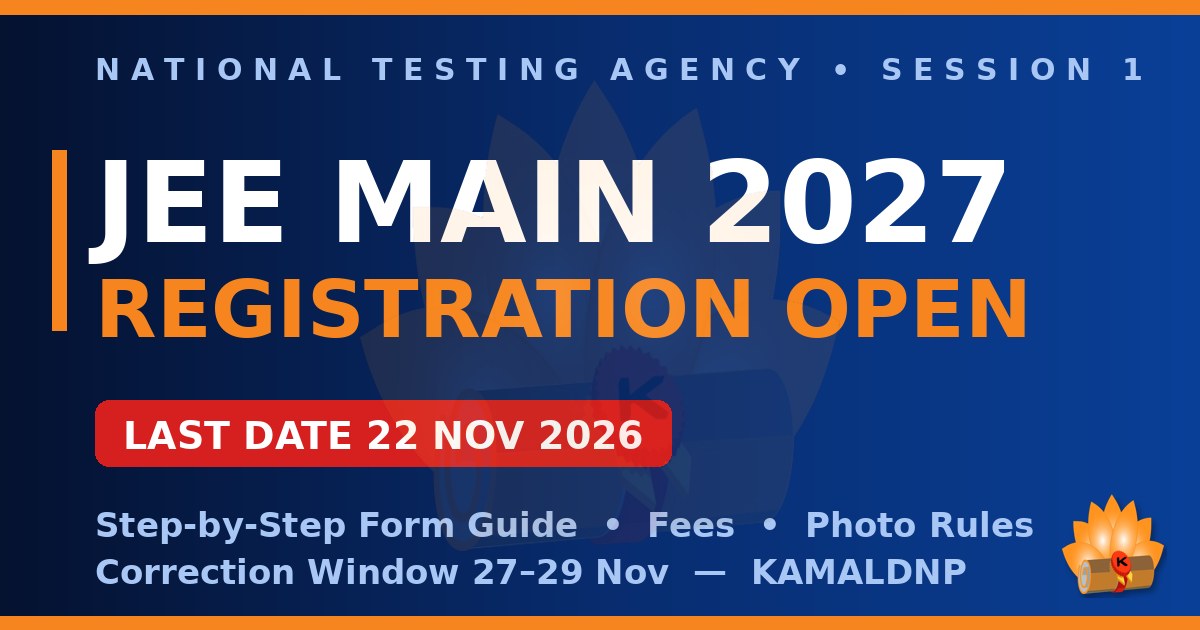
The JEE Main 2027 Session 1 application form is open — and it closes on 22 November 2026 at 11:50 pm. Every year, thousands of good students lose their chance not because of studies, but because of small form mistakes: a photo that breaks the rules, a wrong category, a date of birth different from the Class 10 certificate. This guide covers the whole form so you submit once, correctly, on the official portal jeemain.nta.ac.in.
✅ Registration is OPEN now: Apply on jeemain.nta.ac.in up to 22 November 2026 (11:50 pm) with the normal fee. Missed it? A late-fee window runs 23–26 November (extra ₹500); a correction window follows on 27–29 November. Session 1 exams: 20, 21, 22, 23, 24, 28 January 2027. (Source: NTA Information Bulletin and public notice, 24 October 2026.)
JEE Main 2027 — All Key Dates in One Table
| Event | Session 1 (January) | Session 2 (April) |
|---|---|---|
| Registration opens | 24 October 2026 | 5 January 2027 |
| Last date (normal fee) | 22 November 2026, 11:50 pm | 3 February 2027 |
| Late-fee window (extra ₹500) | 23–26 November 2026 | 4–7 February 2027 |
| Correction window | 27–29 November 2026 | 8–10 February 2027 |
| Exam-city intimation slip | 30 December 2026 | 12 March 2027 |
| Admit card | 13 January 2027 | 25 March 2027 |
| Exam dates | 20, 21, 22, 23, 24, 28 January 2027 | 2–7 April 2027 |
The exam runs in two shifts a day — 9:00 am–12:00 noon and 3:00–6:00 pm. Session 2 dates are printed in the same bulletin; NTA will confirm them in a separate notice.
Who Can Apply? Eligibility in Simple Words
- Passing year: You can apply if you passed Class 12 (or equivalent) in 2025 or 2026, or are appearing in 2027. A 2024 or earlier pass-out cannot apply. You get three consecutive years, two sessions a year. There is no age limit — only the passing year matters.
- Subjects for B.E./B.Tech (Paper 1): Physics and Mathematics are compulsory, plus one of Chemistry, Biology, Biotechnology or a Technical Vocational subject. For B.Arch and B.Planning, Mathematics is compulsory and some rules differ — check the bulletin.
- Marks needed: There is no minimum Class 12 percentage just to sit in JEE Main. But JoSAA admission to NITs, IIITs and GFTIs needs 75% aggregate (65% for SC/ST/PwD) or the top 20 percentile of your board — checked then, not now.
Documents and Photo Rules — Prepare These Before You Start
Most form trouble comes from this one section. Keep these files ready, in the exact sizes, before you open the form. New this year: NTA also captures a live photograph during the application — it should clearly match your uploaded photo.
| Document | Format | Size | Important points |
|---|---|---|---|
| Live photograph | Captured in the portal (webcam or QR scan) | — | White background, good light, about 80% face visible including ears, no mask |
| Recent passport-size photograph | JPG / JPEG | 10 KB – 200 KB | Colour, white background, about 80% face including ears, no mask |
| Signature | JPG / JPEG | 10 KB – 100 KB | Your own signature, clear and fully visible |
| Class 10 certificate or marksheet | 50 KB – 300 KB | Proof of your date of birth — name and DOB in the form must match it exactly | |
| Category certificate (SC / ST / OBC-NCL / Gen-EWS), if applicable | Keep ready | — | Keep a valid certificate ready; details can be asked in the form, and it is verified at admission |
| PwD / UDID certificate, if applicable | 50 KB – 300 KB | Also the certificate about physical limitation to write, if that applies to you |
NTA's latest advisory adds one thing: use your own DigiLocker, JanParichay or e-Pramaan (MeriPehchaan) login when the portal asks, and finish the DigiLocker re-KYC if pending.
Step-by-Step: How to Fill the JEE Main 2027 Form
- Open the official portal: Go to jeemain.nta.ac.in and click the Session 1 application link. Never use any other, look-alike website.
- Register: Enter your name, date of birth, mobile number and email ID, and create a password. You will get an Application Number — note it down. ⚠️ Mobile number and email ID cannot be changed later, not even in the correction window, so type them with full care.
- Log in and fill the form: Fill personal details exactly as on your Class 10 certificate. Then add Class 12 details, choose your paper (Paper 1 = B.E./B.Tech, 2A = B.Arch, 2B = B.Planning, or a combination), pick the medium, enter your State Code of Eligibility (the state of your Class 12 exam), and choose four exam cities in preference order.
- Capture and upload: Capture the live photograph as the portal directs, then upload the scanned photo, signature and certificates in the formats and sizes above.
- Pay the fee: Pay online by card, net banking or UPI. Then check your login — the payment status should show successful. If money is deducted but the status has not updated, wait and check again before paying a second time.
- Download the confirmation page: It is your proof of application. Save the PDF and keep your Application Number and password safe for the city slip, admit card and result.
Application Fee — What You Will Pay (Per Session)
The fee depends on your category, gender and number of papers. This table is for centres in India, as printed in the 2027 bulletin. Bank charges and GST are extra.
| Category | One paper — Male | One paper — Female | Two papers |
|---|---|---|---|
| General | ₹1,000 | ₹800 | ₹2,000 (M) / ₹1,600 (F) |
| Gen-EWS / OBC-NCL | ₹900 | ₹800 | ₹2,000 (M) / ₹1,600 (F) |
| SC / ST / PwD / PwBD | ₹500 | ₹500 | ₹1,000 |
| Third gender | ₹500 | ₹500 | ₹1,000 |
Centres outside India cost more (one paper: ₹5,000 General male, ₹4,000 female, ₹2,500 SC/ST/PwD). The late-fee window costs ₹500 extra in every category, and each session is paid separately.
7 Mistakes That Get Forms Into Trouble
- Name or DOB different from the Class 10 certificate — even a small spelling difference creates problems later. Copy both exactly.
- Photo mistakes: old photo, coloured or dark background, face too small, cap or spectacles hiding the face — or a live photo that does not match the uploaded one.
- Blurred or cut-off signature, or an image outside the size limit.
- Wrong category, or claiming OBC-NCL / EWS without a valid certificate.
- Wrong State Code of Eligibility — it decides your home-state quota. Do not guess it.
- Wrong mobile number or email — these can never be corrected afterwards.
- Waiting for the last day, or paying twice without checking payment status first — a refund mess. Apply early; always download the confirmation page.
Also remember: fill only one application per session — more than one can lead to rejection.
Made a Mistake? The Correction Window (27–29 November)
Do not panic. NTA opens a correction window on 27, 28 and 29 November 2026 — one chance to fix allowed fields. As listed for 2027, they include:
- Any one of: candidate's name, father's name, or mother's name
- Class 10 and Class 12 details, State Code of Eligibility, date of birth, gender, category, sub-category / PwD status (where not verified through the UDID portal), and signature
- Examination cities and the medium of the paper (as per your permanent and present addresses), and the paper itself — adding a paper is also possible
Some changes — a category change, adding a paper, adding a centre outside India — need an additional fee; most others are free. What can never be changed: your mobile number, email ID and addresses. Corrections happen only on the portal, never by email, phone or post. The final list of fields shown when the window opens is what counts — so log in on 27 November and re-check your form once.
After You Apply — What Happens Next
- 30 December 2026: the exam-city intimation slip tells you your allotted city (the exact centre address comes on the admit card).
- 13 January 2027: admit cards are released — download yours and check every detail the same day.
- 20–24 and 28 January 2027: Session 1 exams, two shifts a day.
- Session 2: want a second attempt? Registration opens 5 January 2027. Many students appear in both sessions; the better score counts.
Frequently Asked Questions
Q. What is the last date for Session 1?
22 November 2026, 11:50 pm, with the normal fee. A late-fee window runs 23–26 November (extra ₹500).
Q. I passed Class 12 in 2024. Can I apply?
No — only 2025 and 2026 pass-outs, and students appearing in 2027, are eligible.
Q. Is there any age limit?
No. NTA has set none — only your passing year and subjects matter.
Q. Do I need 75% in Class 12 to fill the form?
No. There is no minimum percentage to appear. The 75% rule (65% for SC/ST/PwD), or top-20 percentile, is checked later, at admission to NITs, IIITs and GFTIs through JoSAA.
Q. I made a spelling mistake in my father's name. What now?
Use the correction window, 27–29 November 2026 — any one of the candidate's, father's or mother's name can be changed there. Mobile number, email and address never can, so check those today itself.
Q. Can I appear in both sessions?
Yes — each session has its own application and fee. Session 2 registration: 5 January – 3 February 2027; exams 2–7 April 2027.
📚 After the exam, start one skill — free: The students who grow fastest in engineering start a real skill early. On Seekho by KAMALDNP you can learn HTML, CSS and JavaScript free, lesson by lesson, in English and Hindi — visit kamaldnp.com/learn.
KAMALDNP Academy is a private coaching institute. We are not part of the National Testing Agency (NTA) and cannot change or approve any application. This guide is for information only, based on the JEE Main 2027 Information Bulletin and NTA's notice of 24 October 2026. Always confirm everything on the official portal, jeemain.nta.ac.in, before you apply or pay.


Comments (0)
Share your question or experience about this syllabus. Your comment will appear after review.
No comments yet — be the first to share your thoughts!