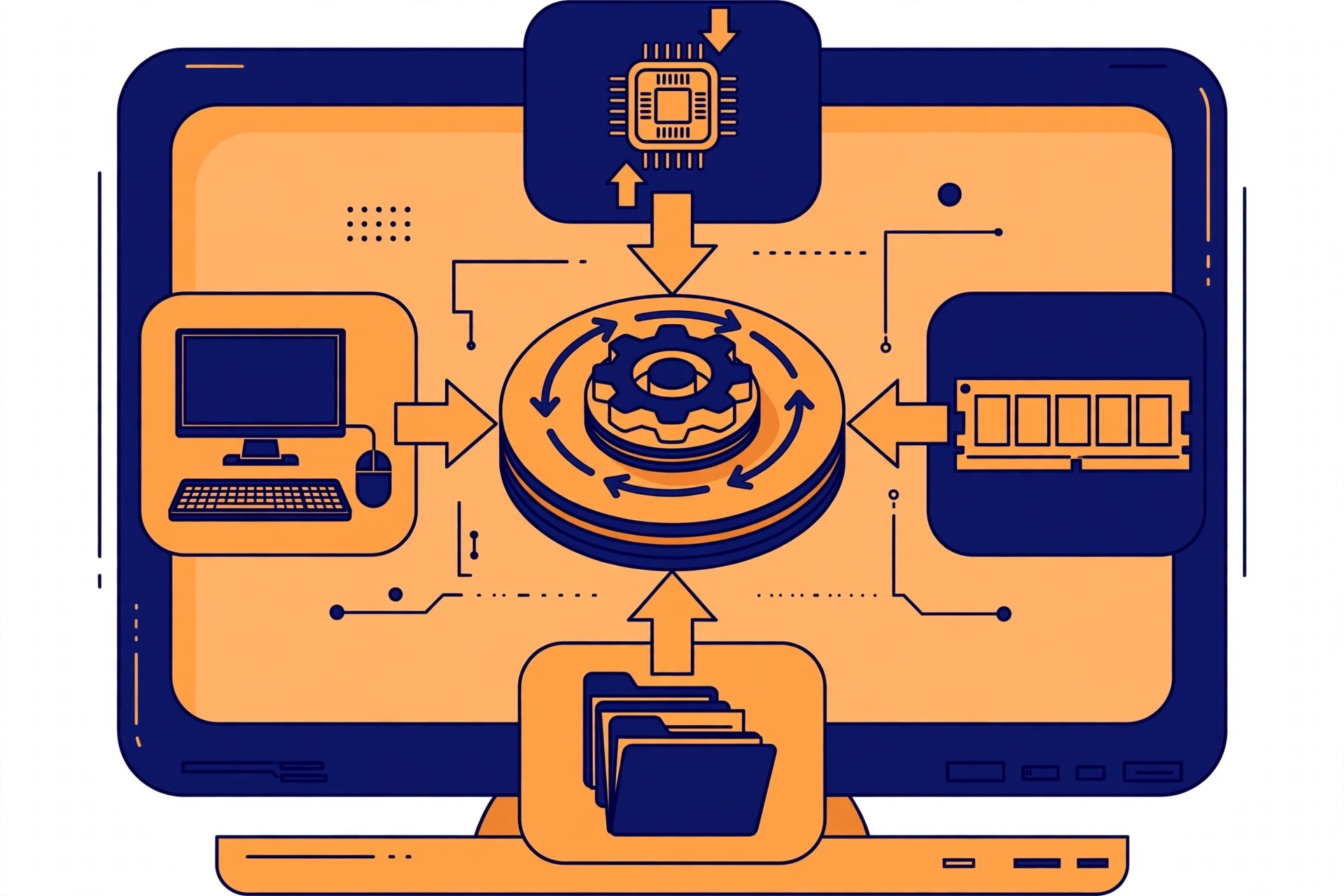
Operating Systems — What This Subject Is About
To give a general introduction to how operating systems are actually built — the ideas behind them and the choices available — so that you can compare different designs and judge the trade-offs between them. By the end you should be able to: explain the functional architecture of an OS; explain process management and compare CPU scheduling algorithms; explain memory management; explain the I/O system and compare disk scheduling algorithms; and classify file systems and directory implementations.
Subject 3.1 (Theory) + 3.5 (Lab) • Total 200 Marks • 4 Credits • 3rd Semester — Computer Science & Engineering • Session 2026–27
About this document: Operating Systems appears twice in the 3rd semester — as a theory paper (3.1) and as a lab (3.5). Both are covered here, completely, in the official order.
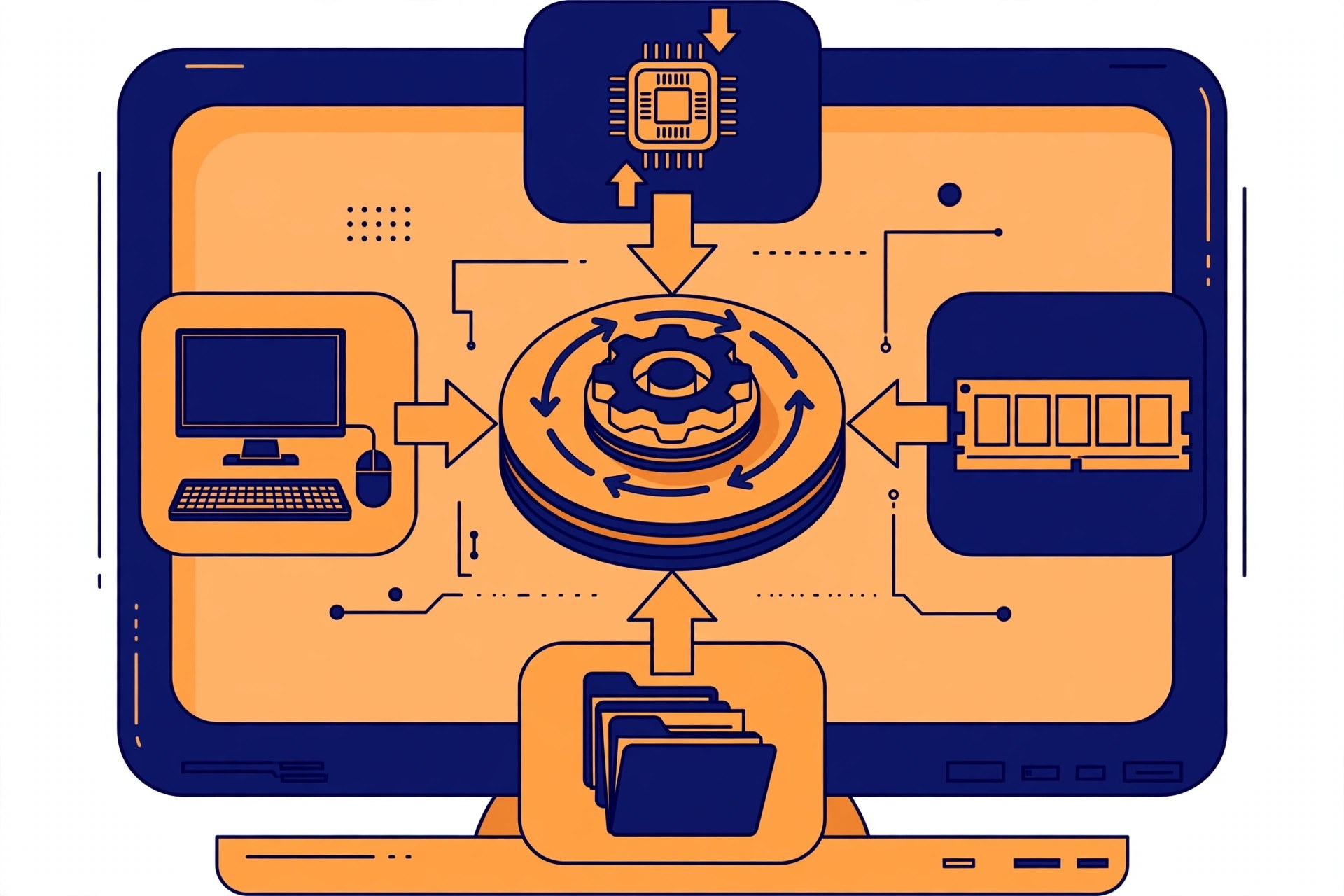
What You Will Study
Unit 1 — Overview of Operating System (6 Periods, 14%)
Introduction; different types of operating systems; functions and services of an OS; UNIX/Linux architecture; kernel; services and system calls; system programs.
What an operating system is, what jobs it does, and how it is built inside — the kernel, system calls, and the UNIX/Linux way of organising it all.
Unit 2 — Process Management (10 Periods, 25%)
Process concepts; operations on processes; CPU scheduling; scheduling algorithms; IPC (inter-process communication); process synchronisation; critical section; deadlock — condition, avoidance and prevention.
A running program is a process, and a computer juggles many at once. How the CPU is shared fairly, how processes share data safely, and the deadlock problem — when processes wait forever on each other — and how to avoid or prevent it.
Unit 3 — Memory Management (10 Periods, 25%)
Memory allocation; First Fit, Best Fit and Worst Fit; swapping; paging and segmentation; page faults; page replacement algorithms; fragmentation and compaction; concept of virtual memory.
RAM is limited, so the OS must decide which process gets which part of memory — allocation strategies, paging, page faults and replacement, fragmentation, and virtual memory, the trick that lets programs behave as if they have more memory than the machine really has.
Unit 4 — I/O System (8 Periods, 18%)
Mass storage structure — overview; disk structure; disk attachment; disk scheduling algorithms; swap space management; RAID types.
Storage hardware, mainly hard disks: how a disk is organised, how the OS orders disk requests, how swap space is managed, and RAID — combining several disks for speed or safety.
Unit 5 — File Management (8 Periods, 18%)
Concept of a file; access methods; directory structure; file system mounting; file sharing and protection; file system structure and implementation; directory implementation; free-space management; efficiency and performance; different types of file systems.
Files and folders look simple to a user, but underneath the OS must organise them, find them fast, share them safely, protect them, and track free disk space.
Practical Work
- Practice of various Linux/Unix commands — man, cp, mv, ln, rm, unlink, mkdir, rmdir, etc.
- Format and install the Windows Operating System.
- Use Task Manager to monitor and terminate processes; understand process priorities.
- Simulate CPU scheduling algorithms: FCFS, SJF, Round Robin, Priority.
- Simulate the Dining Philosophers problem.
- Simulate Banker's Algorithm for Deadlock Avoidance.
And more — the complete list of 12 practicals is inside the PDF.
Complete Syllabus
The full examination scheme, the complete practicals list and the reference books from the official syllabus. The unit-wise topics are in the "What You Will Study" section above.
Examination Scheme
| Code | Paper | Type | L – P | Credits | Internal | External | Total |
|---|---|---|---|---|---|---|---|
| 3.1 | Operating Systems | Theory | 3 – 0 | 3 | Theory 40 | Theory 60 (3 hrs) | 100 |
| 3.5 | Operating Systems (Lab) | Practical | 0 – 2 | 1 | Practical 60 | Practical 40 (3 hrs) | 100 |
| Operating Systems Total | 4 | 100 | 100 | 200 | |||
Units at a Glance
| Unit | Topic | Periods | Marks Share |
|---|---|---|---|
| 1 | Overview of Operating System | 6 | 14% |
| 2 | Process Management | 10 | 25% |
| 3 | Memory Management | 10 | 25% |
| 4 | I/O System | 8 | 18% |
| 5 | File Management | 8 | 18% |
Complete Practicals List
This is the complete list of practicals from the official syllabus.
- Practice of various Linux/Unix commands — man, cp, mv, ln, rm, unlink, mkdir, rmdir, etc.
- Format and install the Windows Operating System.
- Use Task Manager to monitor and terminate processes; understand process priorities.
- Simulate CPU scheduling algorithms: FCFS, SJF, Round Robin, Priority.
- Simulate the Dining Philosophers problem.
- Simulate Banker's Algorithm for Deadlock Avoidance.
- Simulate Banker's Algorithm for Deadlock Prevention.
- Simulate contiguous memory allocation: Worst Fit, Best Fit, First Fit.
- Simulate page replacement algorithms: FIFO, LRU, Optimal.
- Simulate disk scheduling algorithms: FCFS, SCAN, C-SCAN.
- Simulate file organisation techniques: Single-level directory, Two-level directory.
- Simulate file allocation strategies: Sequential, Indexed, Linked.
Reference Books
As listed in the syllabus:
- Operating System Concepts — Silberschatz and Galvin, Wiley India
- UNIX Concepts and Applications — Sumitabha Das, McGraw-Hill Education
- Operating Systems, Internals and Design Principles — Stallings, Pearson Education, India
- Operating System Concepts — Ekta Walia, Khanna Publishing House
- Modern Operating Systems — Andrew S. Tanenbaum, Prentice Hall of India
- Operating Systems — Deitel & Deitel, Pearson Education, India
Frequently Asked Questions
How many marks is Operating Systems worth in the 3rd semester?
200 marks in total: the theory paper 3.1 is 100 marks (internal 40 + external 60) and the lab 3.5 is 100 marks (practical 60 + external 40). Together they carry 4 credits.
Which units carry the most weightage in Operating Systems?
Process Management and Memory Management, 25% each (10 periods each). The Overview unit is 14%, and the I/O System and File Management units are 18% each.
What practical work is there in the Operating Systems lab?
12 experiments, including Linux/Unix commands, CPU scheduling (FCFS, SJF, Round Robin, Priority), Banker’s Algorithm, page replacement (FIFO, LRU, Optimal) and disk scheduling (FCFS, SCAN, C-SCAN). The complete list is in the Complete Syllabus section above.
Which books should I refer to for Operating Systems?
The syllabus lists Silberschatz and Galvin’s Operating System Concepts, Sumitabha Das’s UNIX Concepts and Applications, and Stallings’ Operating Systems, Internals and Design Principles, among others. The full list is in the Complete Syllabus section above.
Is Operating Systems a theory subject or a practical subject?
Both: theory paper 3.1 (3 lecture hours a week) and lab 3.5 (2 practical hours a week).
How can I download the Operating Systems syllabus PDF?
The PDF is free to download — use the download link in the Download section below. It is prepared by KAMALDNP Academy from the official BTEUP syllabus.
Related Syllabus Posts
- BTEUP CSE 3rd Semester Syllabus 2026-27
- BTEUP CSE Complete Syllabus 2026-27 — 1st, 3rd & 5th Semester (All Subjects)
- Database Management System — BTEUP CSE 3rd Semester Syllabus 2026-27
- Computer Network — BTEUP CSE 3rd Semester Syllabus 2026-27
- Computer Programming Using C — BTEUP CSE 3rd Semester Syllabus 2026-27
Download the Operating Systems Syllabus PDF
Download the complete Operating Systems syllabus PDF below — prepared by KAMALDNP Academy, with the full topic list, practicals and reference books.
Download the Operating Systems Syllabus PDF
Source: BTEUP 2nd Year curriculum (folder2627), approved in C.D.C. meeting held on 16.07.2026. Topic lists follow the official syllabus; short explanations are the author's own plain-English summaries, not syllabus text. Please confirm with your own polytechnic for any local changes.