HTML Iframes
2 min read · Free · No login needed
An iframe (inline frame) shows another web page inside your page, in a small window. It is how YouTube videos, Google Maps, and other embedded content appear on websites.
The tag is <iframe src="https://www.youtube.com/embed/VIDEO_ID" width="560" height="315"></iframe>. The src is the page to show; width and height set the size of the window.
Common uses
- YouTube videos — click Share → Embed on any video and copy the iframe code.
- Google Maps — Share → Embed a map, and visitors can pan and zoom without leaving your page.
- Other pages — showing a form, a document, or a page from another site.
Things to watch out for
An iframe loads a whole second page, so it slows your page down — use it only when you need it. Some websites refuse to be shown inside an iframe (they send a header that blocks it). And for security, an iframe can run scripts from the other site, so only embed content from sources you trust. You can limit what an embedded page may do with the sandbox attribute.
title attribute (for example, title="YouTube video player"). Screen readers announce it, so blind visitors know what the frame contains.Example
<!DOCTYPE html>
<html>
<head>
<title>Iframes</title>
</head>
<body>

<h1>Watch Our Intro</h1>
<iframe width="560" height="315" src="https://www.youtube.com/embed/dQw4w9WgXcQ" title="YouTube video player" frameborder="0" allowfullscreen></iframe>

</body>
</html>
Output
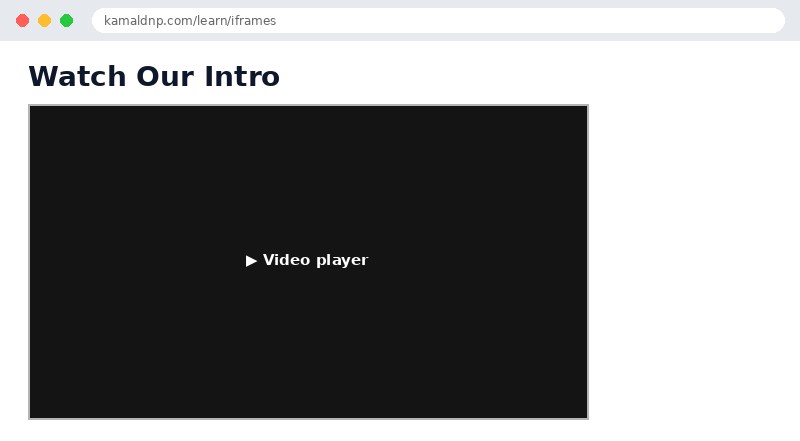
test.html, open it in your browser, and change the text to see what happens. That is how you learn — by changing things and watching the result.Get certified — just ₹10
Finish all 30 lessons, pass the test (80%), pay ₹10 and get your certificate.
Take the testGo further with a full course
Free tutorials teach you the basics. Our paid courses add live projects, mentorship and a certificate.
Browse all courses